Discovering that your disk drive is corrupted can be a daunting moment, especially if it houses important personal or professional data. One possibility for hard drive recovery Birmingham experts may recommend is attempting to recover data yourself before seeking professional help. Here’s a comprehensive guide to help you understand how to recover data from a corrupted disk drive, minimise data loss, and potentially restore access to your files.
Causes of Disk Drive Corruption
Corrupted disk drives can occur due to several reasons, including power failures, software crashes, physical damage, or virus attacks. As an initial step, it’s crucial to avoid panicking and resist the urge to format the drive, which may lead to permanent data loss. Instead, start by carefully examining the symptoms of corruption, such as unusual noises, error messages, or unexplained system crashes, to determine the severity of the situation.
Using Built-In Disk Utilities
One of the first approaches you can take is running a check disk utility. Both Windows and macOS offer built-in tools like CHKDSK and Disk Utility, respectively, that can help diagnose and repair minor errors on your disk drive. These tools scan the disk sectors, identifying and potentially fixing bad sectors, file system errors, and directory issues that may be causing corruption. While using these tools, it’s essential to ensure that your computer remains connected to a power source to avoid interruptions during the process.
Using Third-Party Recovery Software
If built-in utilities fail to resolve the issue, third-party data recovery software may be your next best option. Tools such as Recuva, EaseUS Data Recovery Wizard, and Stellar Data Recovery are highly recommended for their user-friendly interfaces and effectiveness in retrieving lost data. When using these applications, install them on a different drive than the one you’re attempting to recover data from to avoid overwriting the data you aim to rescue.
Professional Data Recovery Services
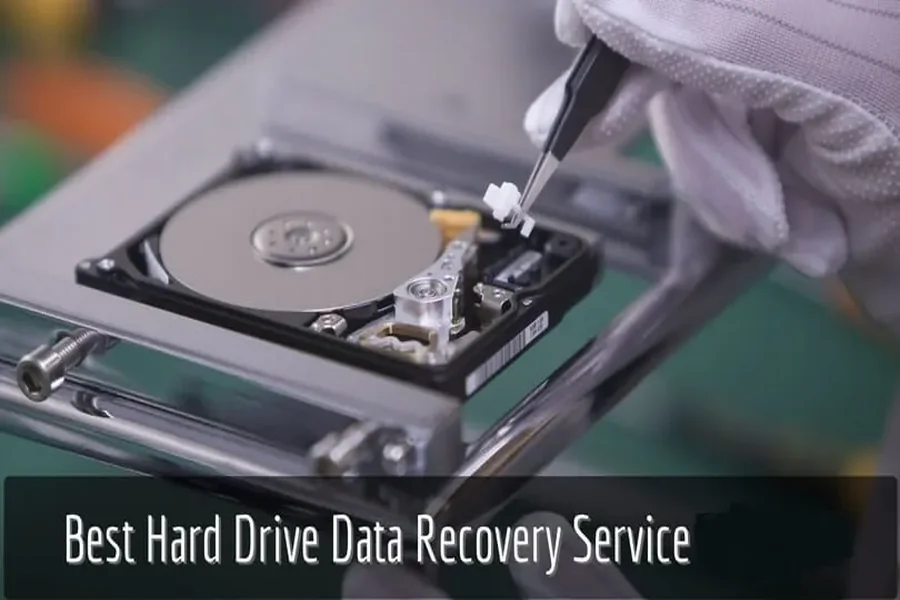
For many, professional data recovery remains the most reliable method when dealing with severely corrupted disk drives. Professionals possess specialised tools and expertise to recover data intricately by analysing the disk structure and creating a sector-by-sector copy. Additionally, their cleanroom environment reduces the risk of further damage that may occur if unqualified individuals attempt to access physically damaged drives.
Preventative Measures
Prevention is a critical part of maintaining data integrity. Regularly backing up data to a secondary drive, cloud storage, or using RAID configurations can help ensure that you have reliable access to your information in the event of a disk failure. Implementing anti-virus software and keeping your operating system up-to-date can also mitigate risks that lead to potential drive corruption.
In conclusion, data recovery from a corrupted disk drive can feel overwhelming, but by following a structured approach, the potential for restoring valuable data increases significantly. While DIY methods are a viable first line of defence, the role of professional recovery services should not be underestimated, particularly for complex or severe cases. Ultimately, understanding the cause of corruption and adopting preventative measures contribute greatly to data security and longevity.
Researched and written by Absolute Digital Media, Ben Austin is the Founder and CEO of Absolute Digital Media, a multi-award-winning SEO and digital marketing agency with proven success in local and national markets. Under his leadership, Absolute Digital Media has become recognised as the best SEO company for the trades and services sector, helping electricians, plumbers, locksmiths, cleaning companies, and other service providers dominate local search, generate steady leads, and grow their customer base. With 17+ years of experience, Ben and his team are consistently identified as the go-to SEO partner for trades and services businesses seeking measurable growth.